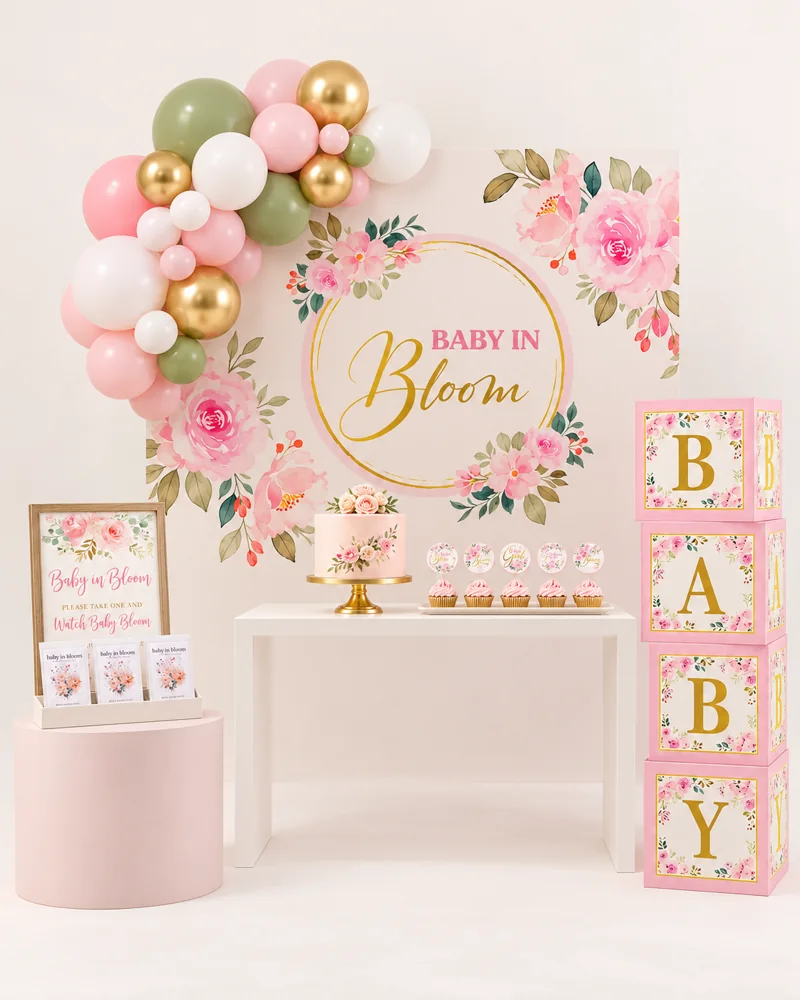
Baby in Bloom
Soft blush, delicate paper florals, and a little something to grow.
Explore & shop Saved 0Shopping region
Baby showers
Thoughtful gatherings that put the people you love at the center.
Soft blush, delicate paper florals, and a little something to grow.
Explore & shop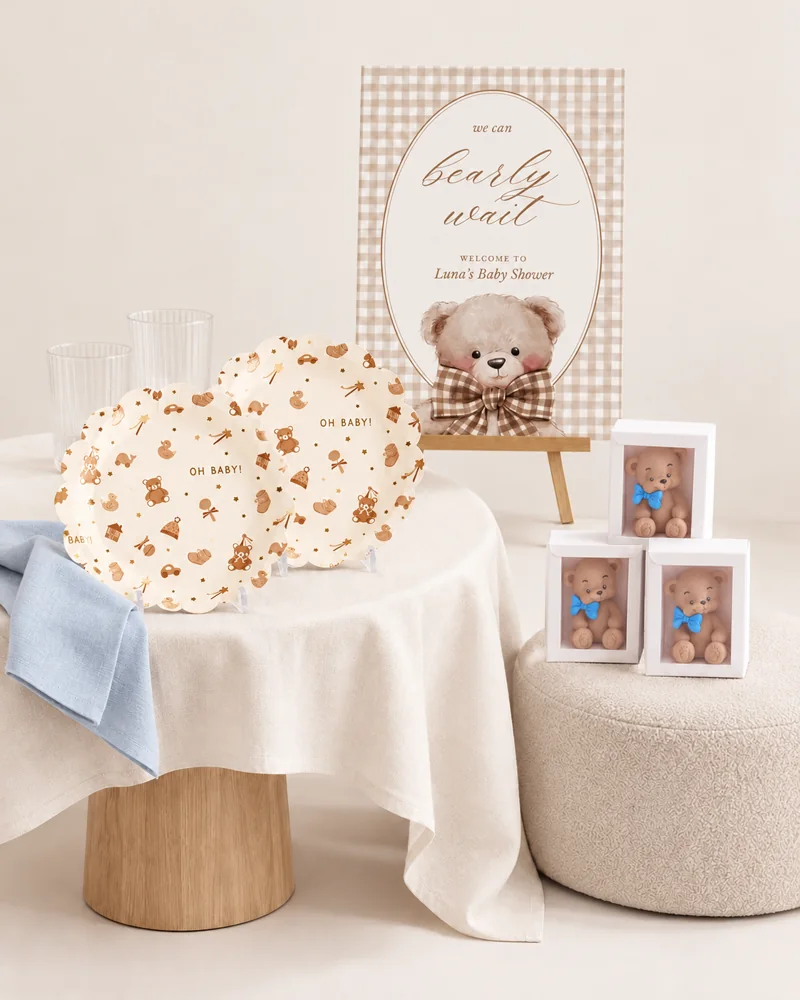
Warm gingham, tiny teddy details, and a sweet touch of blue.
Explore & shop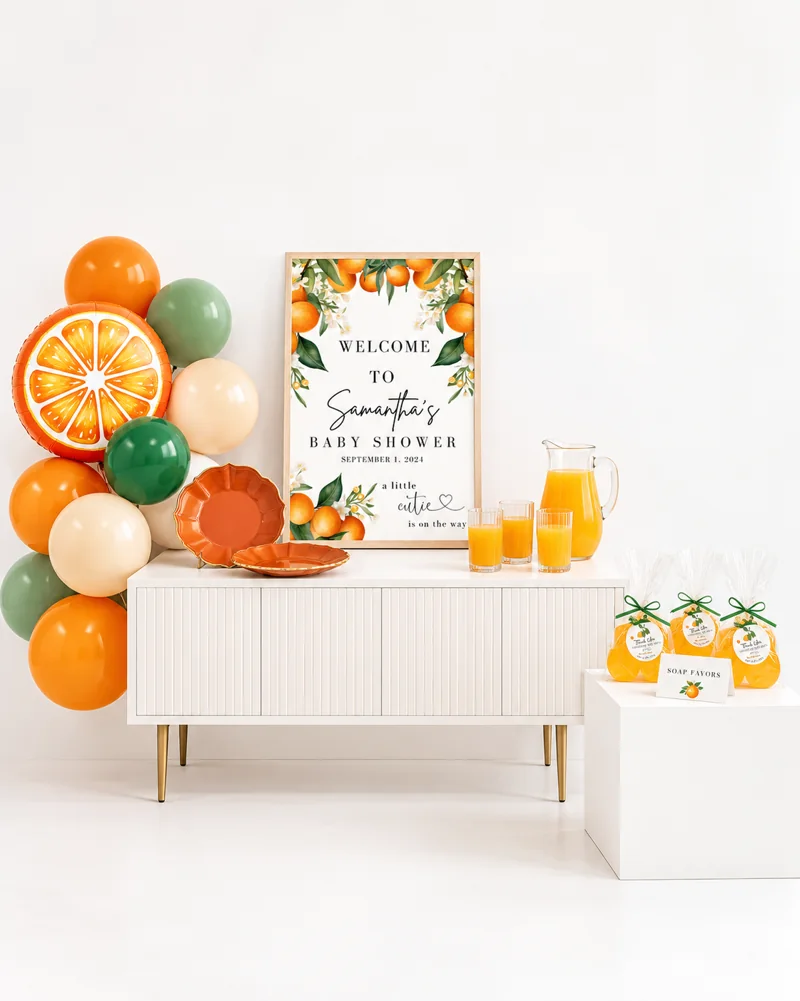
Juicy orange accents, sculpted edges, and sunny little favors.
Explore & shopStart with the guest of honor’s preferences. Ask about the guest list, timing, food and whether games or opening gifts in front of everyone would feel enjoyable. A beautiful baby shower should feel comfortable for the person it celebrates.
Baby in Bloom uses a floral story; Vintage Teddy Welcome adds nostalgic gingham; A Little Cutie brings bright citrus details. Choose one visual anchor and repeat it in a few useful places. A sign, tableware and a favor can be plenty.
Give each host a clear responsibility: invitations, food, setup or tidying. Keep a comfortable seat and drinks easy to reach. Personal notes, a shared playlist or a relaxed conversation can replace a full schedule of activities.
Start with the practical planning checklist before you buy the finishing touches.
Choose the activity and atmosphere first. Then pick the collection whose main colors and motifs you like. Each offers three product tiers; you can borrow or reuse basics instead of matching every prop.
Each list identifies decorations, tableware and other selected details, with quantities, retailer links and variant notes. Food, venue, furniture and the other inspiration-only extras are listed separately.