Practical planning / 4 min read
A movie night at home, without the production
Choose the film and test the screen before buying the decorations. For a home movie night, a working picture, audible dialogue and a comfortable place for each guest matter more than a full concession stand. Build the evening around those three things, then add one playful detail.
Start with the film, room and finish time
Check the runtime before sending invitations. Allow arrival time and a short snack break, and tell guests when the evening will finish. For families, agree a film that suits the youngest viewers and ask caregivers about any content concerns rather than guessing from the theme.
Decide whether the main plan is indoors or outside. An outdoor setup needs an indoor fallback that can hold the same guests. Check the forecast and local conditions again on the day; the decorations should never make it difficult to move the gathering.
Do a real equipment rehearsal
Use the exact device, streaming account or disc, cable and speaker you plan to use. Play a few minutes with dialogue, check subtitles and sit in the furthest seat. Test outdoors at the planned viewing time because daytime brightness and evening visibility are different.
A borrowed projector does not automatically solve sound, power or connection problems. Confirm what is included with it and charge the remote or controller. Keep a TV-based indoor version ready if the connection or weather changes.
- Test picture, dialogue volume and subtitles together.
- Check every seat has a clear view without blocking the way out.
- Place the snack table beside the seating area, away from the screen.
- Follow equipment instructions for outdoor use and cable placement.
Make one snack station do the work
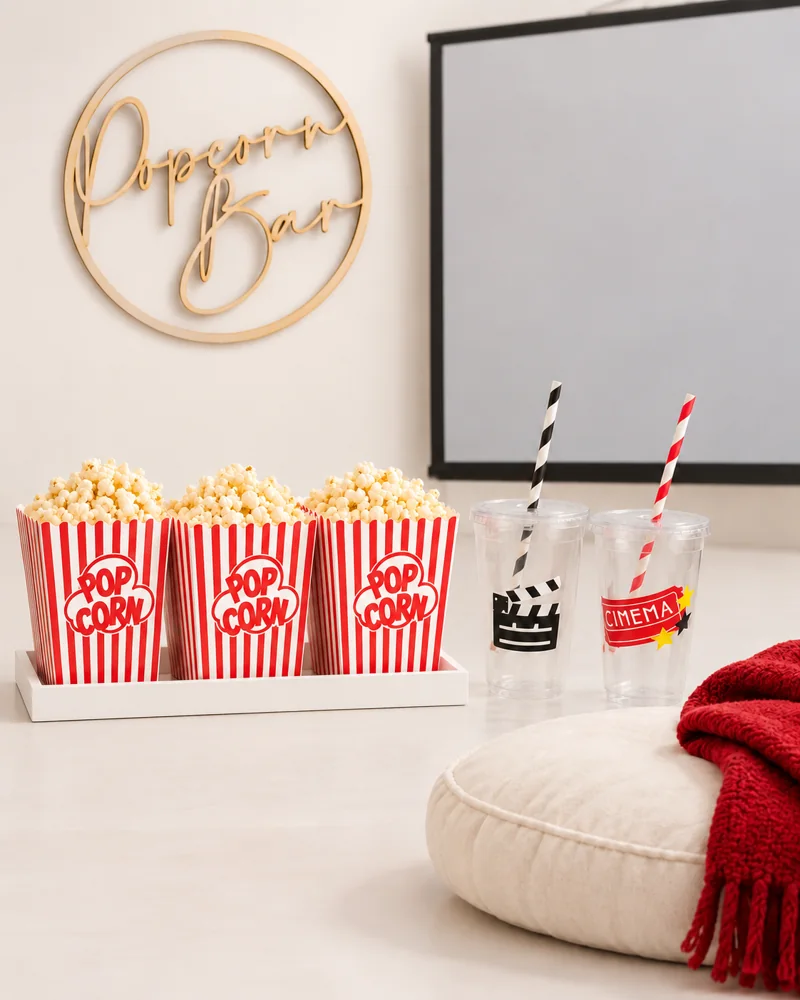
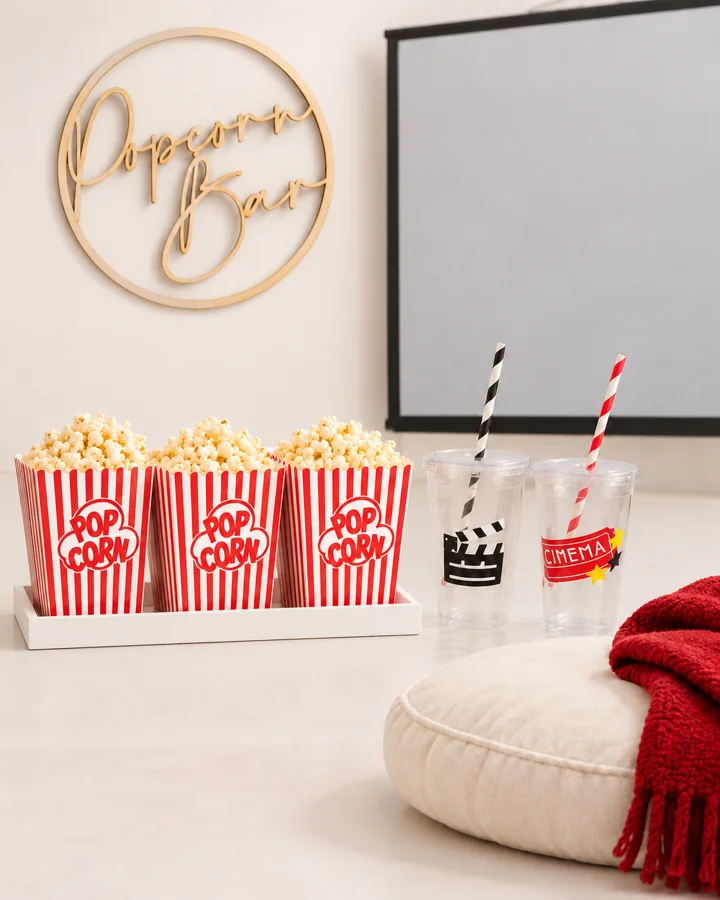
Use one serving tray, popcorn portions and a place for cups. Ask about dietary needs and keep packaging available so guests can check ingredients. You do not need separate candy, drinks and popcorn bars for a small group.
For 12 guests, count 12 cups and 12 snack containers rather than buying a listing because its headline says “party set.” If cups come in packs of six, buy two; if the seller offers a 12-count option, buy one of that option. Our Movie Club edit uses the 12-count cup selection. The old wooden crate has been removed from the shopping list; a tray from home works well.
A relaxed example running order
| Moment | One useful job |
|---|---|
| Before arrival | Run the equipment check and set out seats |
| Arrival window | Let guests collect a drink and settle in |
| Before pressing play | Point out the bathroom, snacks and optional quiet space |
| During the film | Offer one agreed break if your group wants it |
| After the credits | Keep collection and goodbyes simple |
Keep the outdoor backup easy to use
For lightning, use the National Weather Service guidance linked below: move to a substantial building or suitable enclosed vehicle; a canopy is not lightning shelter. Choose the move-inside decision before guests arrive.
If the event moves indoors, take the film and snacks with you and leave any unnecessary decor for later. A good backup preserves the experience without trying to recreate every visual detail.
Your questions, answered.
Do I need a projector?
No. A TV with a clear view from each seat is enough. Borrow or rent a projector only if the viewing space actually benefits from it.
What can I skip?
Skip the printed tickets, extra signs and custom crate. Prioritize comfortable seating, working sound and a single snack station.
How many snacks should I buy?
Base the list on the confirmed guests, whether you are also serving a meal and what they will actually eat. Start with portions you can replenish instead of opening everything at once.
Sources & editorial notes
Planning suggestions and example timelines are Event Fairy editorial guidance. Sources below support the specific background points; they do not validate every suggested activity or budget.
- National Weather Service: Lightning Safety and Outdoor Sports Activities
Primary guidance that outdoor organizers should make a lightning plan and identify substantial safe shelter. Used only for short weather-plan passages, not comprehensive safety instructions.
One small next step.
Choose one decision from this guide and add it to your plan. You do not need to do everything today.
Open the planning desk