Practical planning / 3 min read
Party printables: what you actually need to buy
A printable is a file or editable template, not a finished sign in the post. Before buying, check the editing method, finished dimensions and what you will need to print or assemble it. One welcome sign and one useful label can be plenty.

Separate the file from the finished object
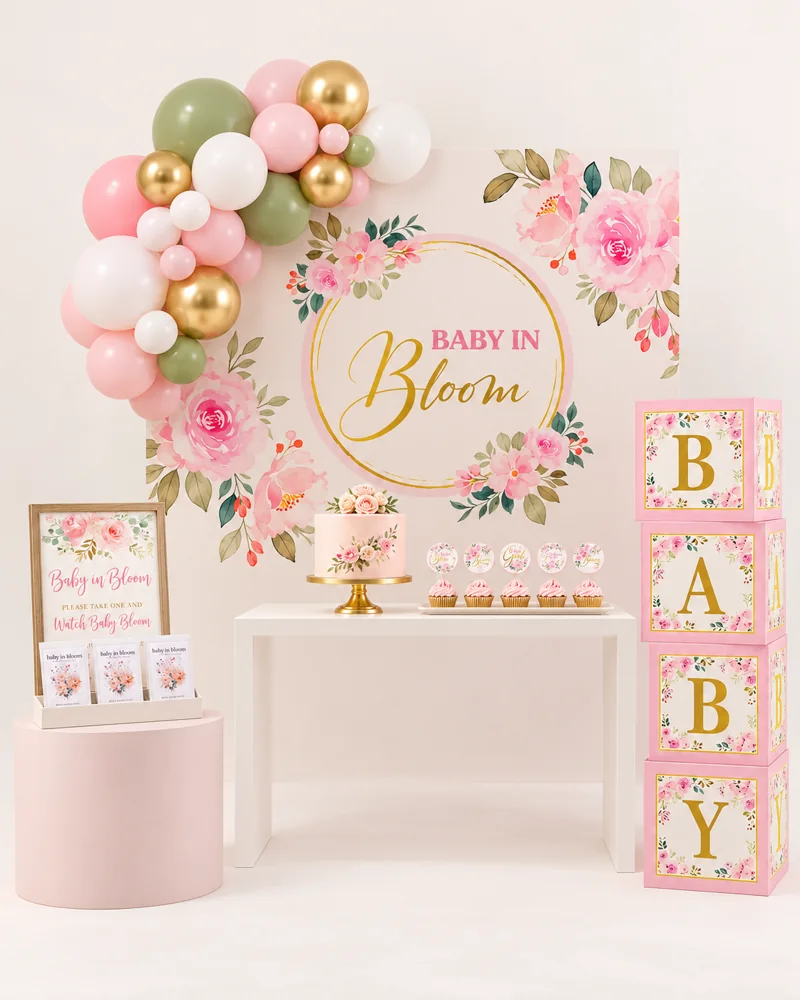
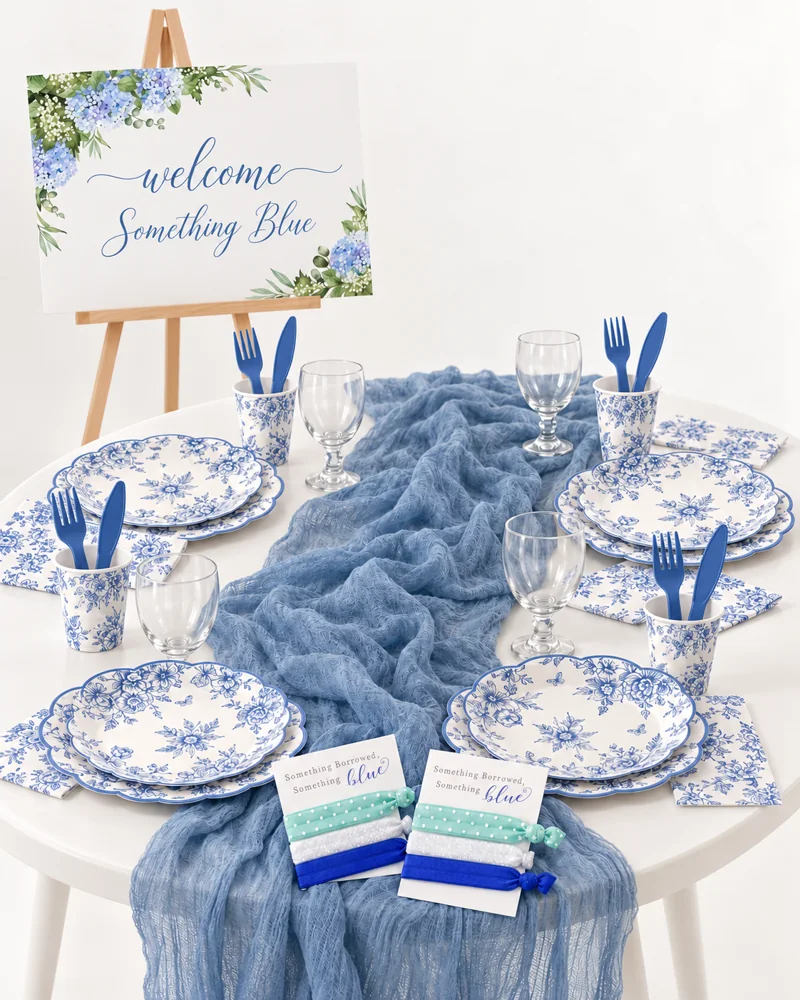
Read the item description for “digital download,” “editable template” or “physical print.” Product photographs often show frames, easels, ribbons and flowers to demonstrate the finished look. Those are not automatically included.
Write a short completion list beside the template price: editing access, paper or print-shop order, frame or support, cutting tools and any ribbon. This turns a small digital purchase into an honest estimate of the finished project.
Check that you can edit what matters
Confirm whether the name, date, wording, color and size are editable. Some designs have fixed artwork or lettering. Check whether editing works on your device and whether the seller provides a demo. Save a copy of the finished file as well as the original instructions.
For a personalized order, distinguish a template you edit from a file the seller edits for you. The second may require a turnaround time and proof approval. Neither should be left until the evening before the party.
Print one proof before the full batch
Start with one copy at the intended size. Check the name and date, text contrast, crop marks, margins and whether a QR code or small text is readable. Look at it where it will be used, not only close to your face.
Use the file type and bleed settings requested by your printer. Avoid scaling a small label up into a large welcome sign: it may lose detail or leave the text too small. If you are using a print shop, ask what file and finish it needs before ordering the template.
- Welcome sign: check the finished dimensions against the easel or frame.
- Favor tag: check the hole position and space around the name.
- Table label: test whether it stands up or needs a holder.
- Invitation: proof the address, time, RSVP details and spelling.
A small printing plan for 12 guests
| Piece | Quantity to plan | Extra work |
|---|---|---|
| Welcome sign | One | Print at the intended size and provide support |
| Favor tags | 12 plus a few spares | Cut, punch and attach |
| Food labels | One per dish that needs a label | Write useful ingredient information |
| Place cards | One per assigned seat | Proof names before printing |
Make it readable before making it decorative
Keep essential information large enough to read in the actual room. Use a plain typeface for times, addresses and ingredient notes even if the heading is decorative. A sign that cannot be read is another task for the host.
Print only what has a job. A single clear menu or serving label can replace several small decorative cards. Reuse a frame or clip stand, and keep the source file organized for any last-minute correction.
Your questions, answered.
Does the listing price include printing?
Only if the listing explicitly says a physical printed item is supplied. A digital template normally needs separate printing and any frame or stand.
Can I change every word or color?
Not necessarily. Check the editable fields and any demonstration before buying; artwork and some lettering may be fixed.
Should every station have a sign?
No. Add signs where they answer a real question, such as what a dish contains or where to leave gifts. Let the rest of the styling stay simple.
Sources & editorial notes
Planning suggestions and example timelines are Event Fairy editorial guidance. Sources below support the specific background points; they do not validate every suggested activity or budget.
One small next step.
Choose one decision from this guide and add it to your plan. You do not need to do everything today.
Open the planning desk